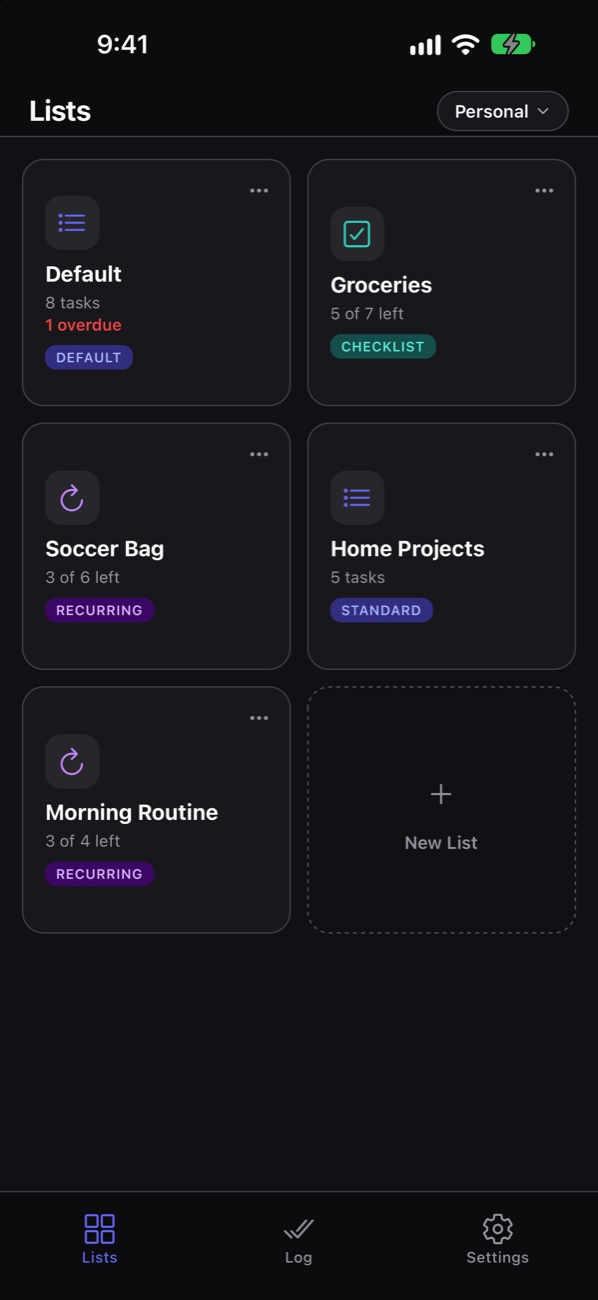
Task lists
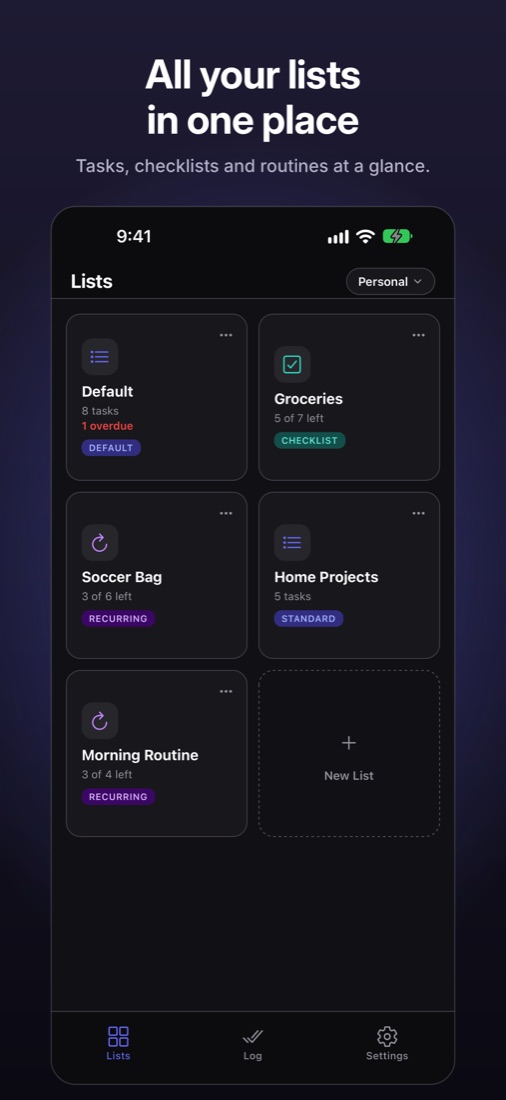
For projects, errands and work, with due dates, reminders and Focus. Each list shows what's overdue or due today.
Home ProjectsProduct Launch
Task lists, checklists and routines that reset on their own. Set reminders, pick a few things to focus on today, and get them done.
 Android coming soon
Projects, errands, groceries, packing and the things you do every week, each in a list made for it.
For projects, errands and work, with due dates, reminders and Focus. Each list shows what's overdue or due today.
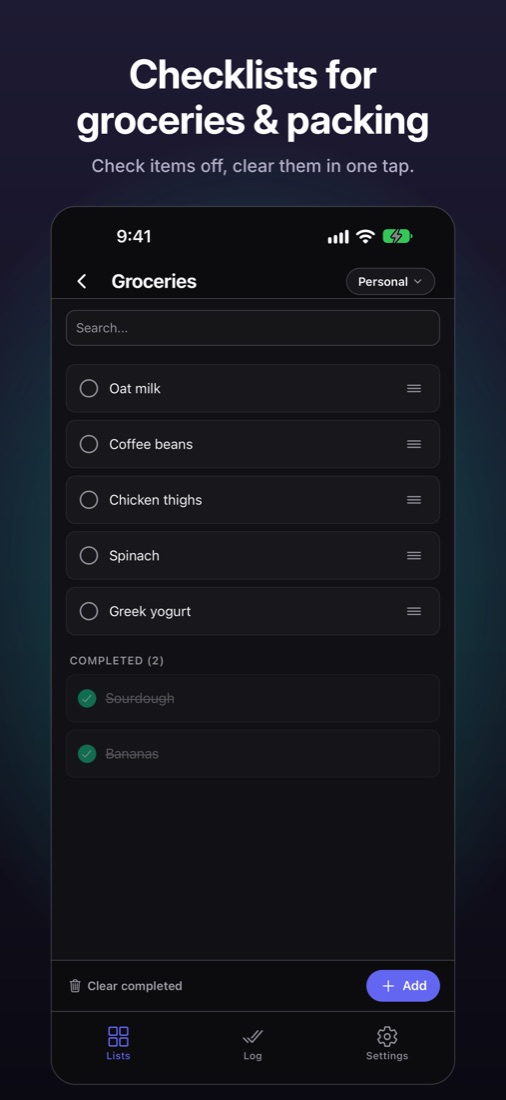
Check items off as you go, then clear them in one tap. No limit on how many items you add.
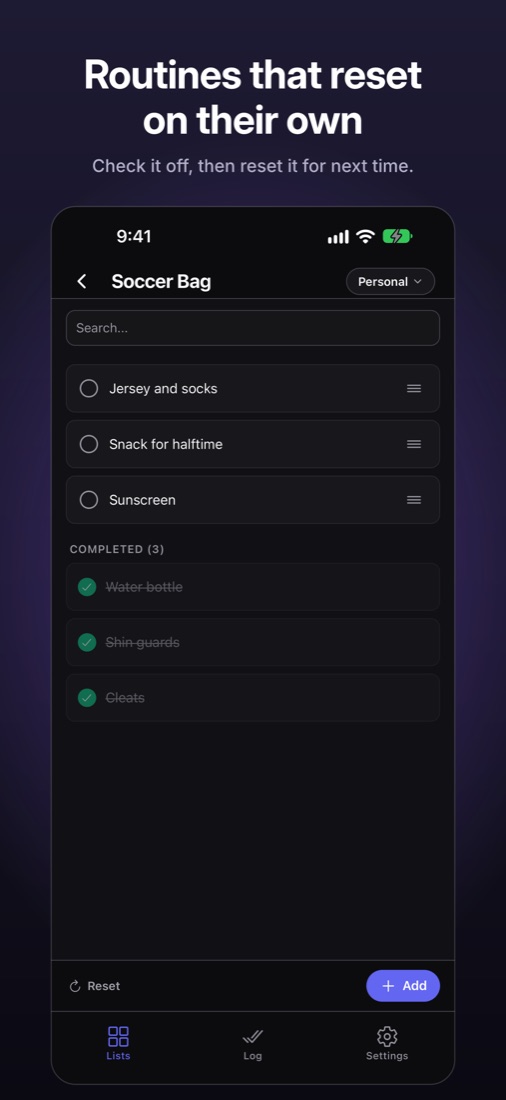
The things you do again and again. Check it all off, then reset the list for next time.
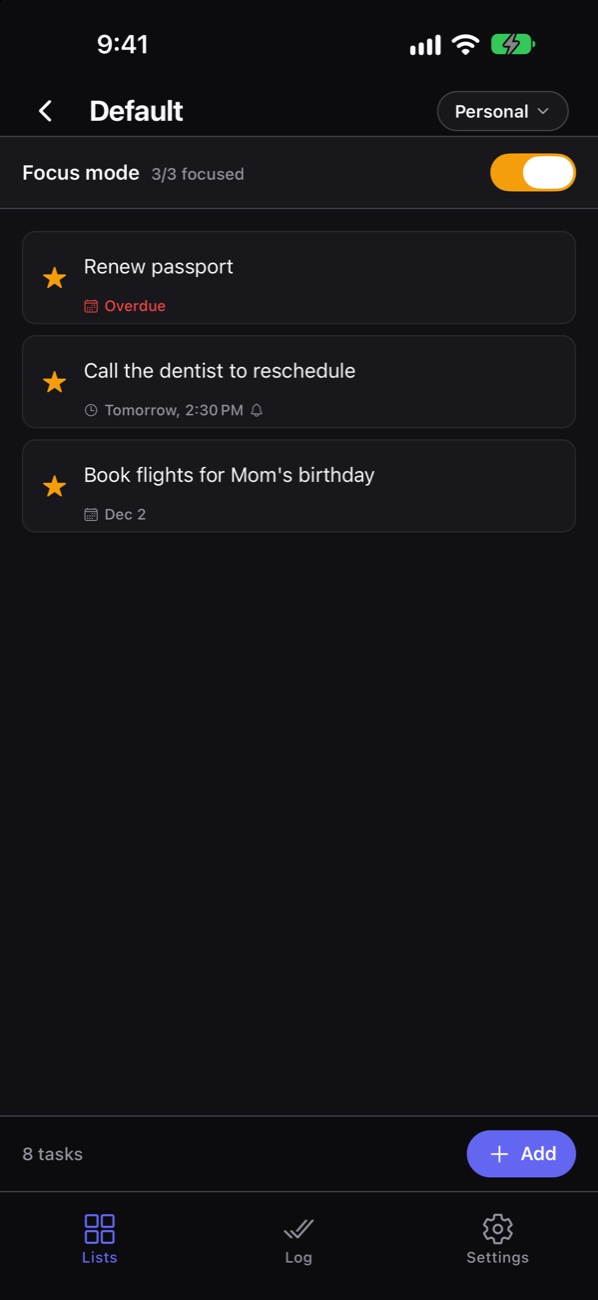
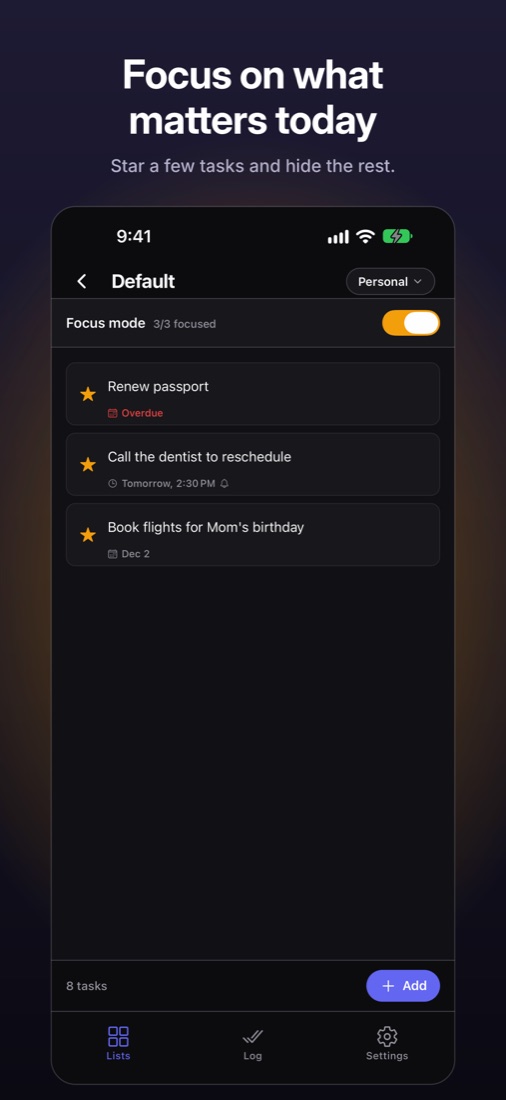
Focus
Star the few tasks that count and turn on Focus mode. Everything else steps aside, so today stays doable.
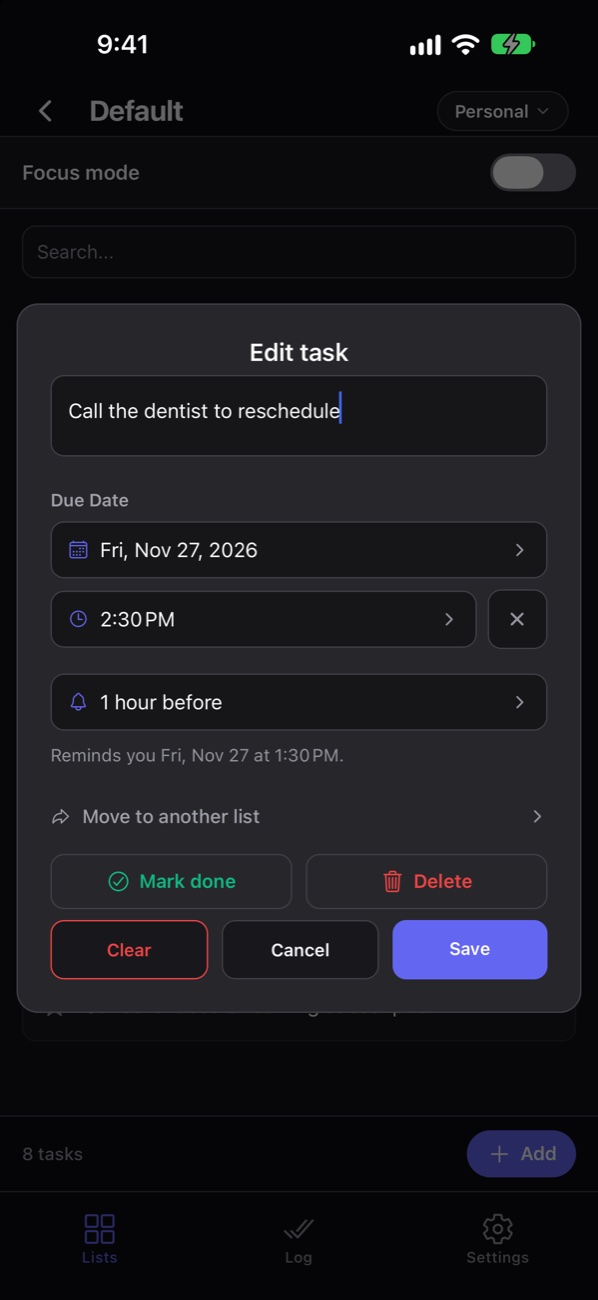
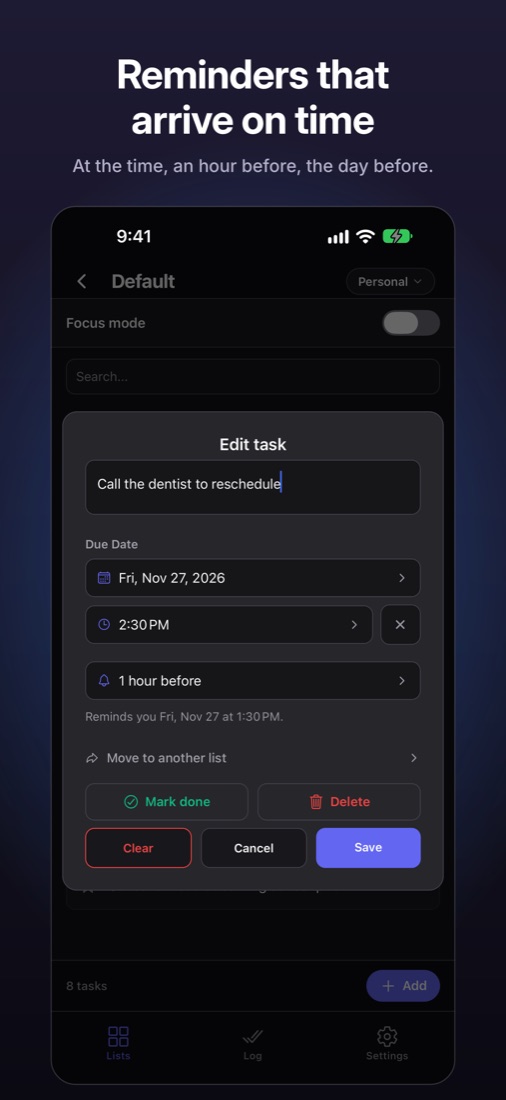
Reminders
Give a task a due date, add a time if it has one, and pick when you want the nudge.
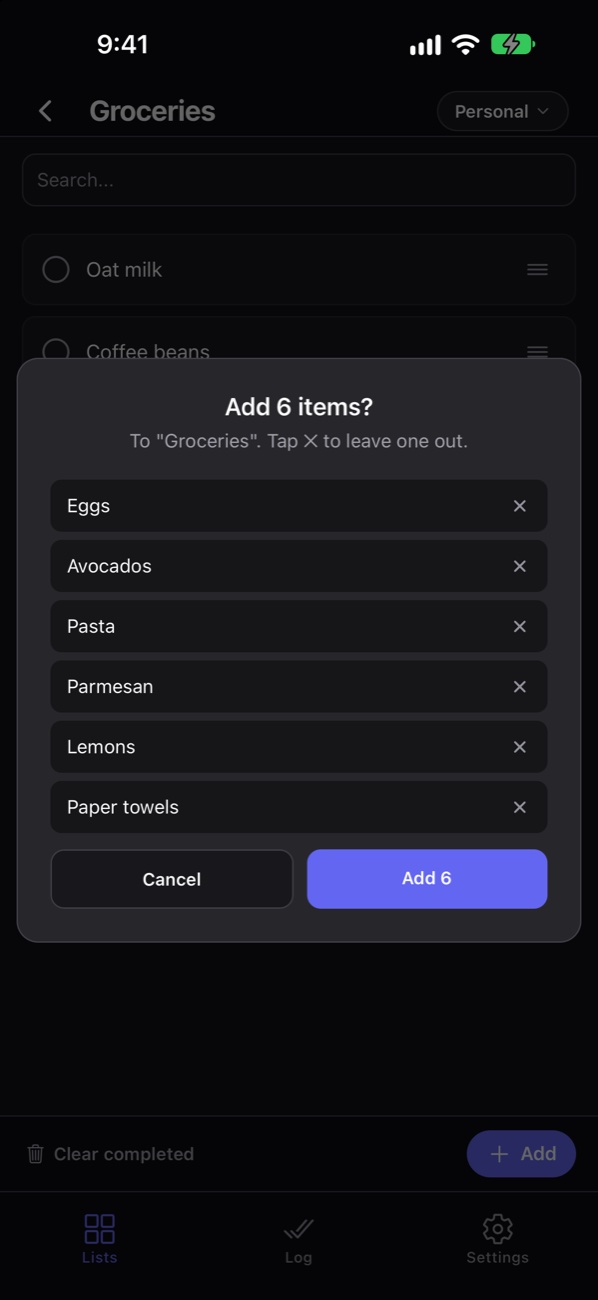
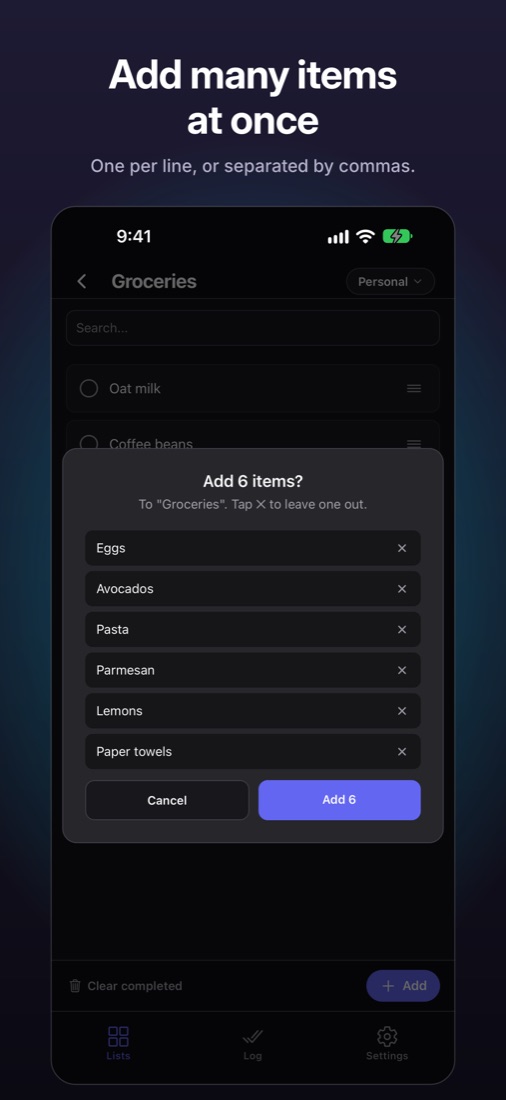
Add many at once
Paste a list and each line becomes its own item. Or type a few separated by commas, like "milk, eggs, bread".
Swipe through the app.
Keep Personal and Work apart, each with its own lists.
Every list shows how many tasks are overdue or due today.
Drag lists and tasks into the order that works for you.
Completed tasks stay in the Log for 90 days.
Keep a copy of your lists in your iCloud and restore it on a new iPhone.
Follows your phone, or pick the one you like. Made for iPhone and iPad.

Free, with no sign-up. Open Prism and start your first list in seconds.
Android coming soon
Questions? Visit Support.